Featured Functions

Featured Functions

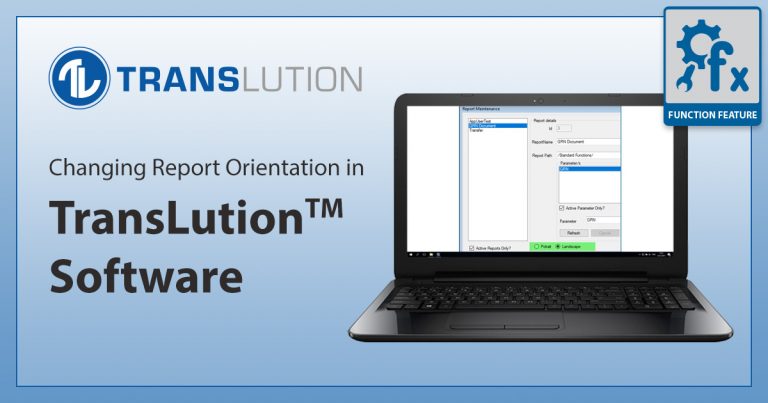
FEATURE: Changing Report Orientation in TransLution™

Previously, it tricky to print landscape reports - the solution was to change the printer settings landscape which then, of course, didn’t work particularly well if the same printer was...

1 min read

Read This

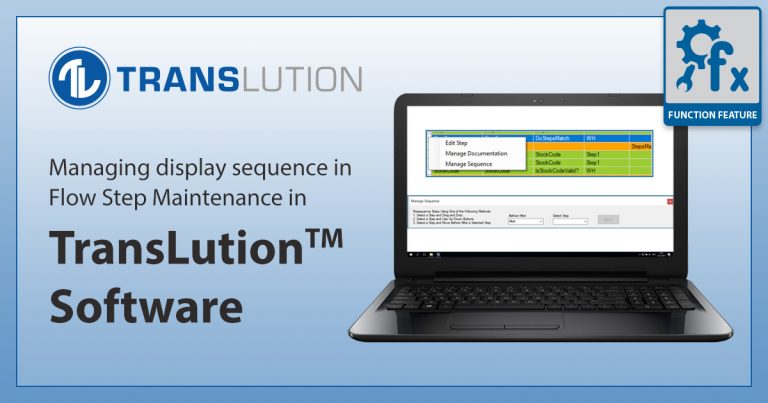
FEATURE: Managing Display Sequence in Flow Step Maintenance in TransLution™

While the display sequence of steps is managed by the Next step defined on each step, it is useful to view the steps on the Flow Step Maintenance Form in...

1 min read

Read This

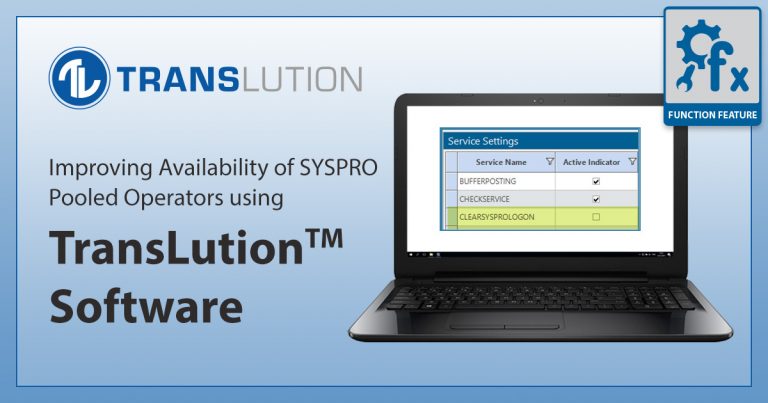
FEATURE: Improving Availability of SYSPRO Pooled Operators using TransLution™

Since the release of TransLution™ V5.4 it is possible to configure a pool of SYSPRO Operators and TransLution™ will use the first available operator to do the required SYSPRO post....

2 min read

Read This

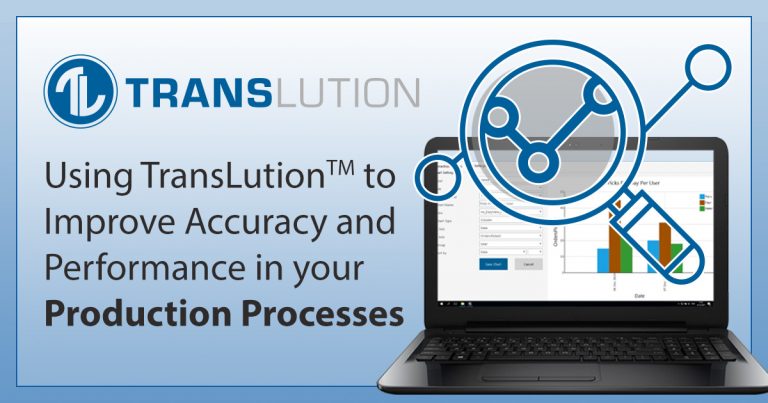
Using TransLution to Improve Accuracy and Performance in your Production Processes

TransLution™ Software is delivered with a range of standard templates to assist you in managing your production processes. We offer solutions for Picking and Issuing Stock to jobs, doing Job...

2 min read

Read This

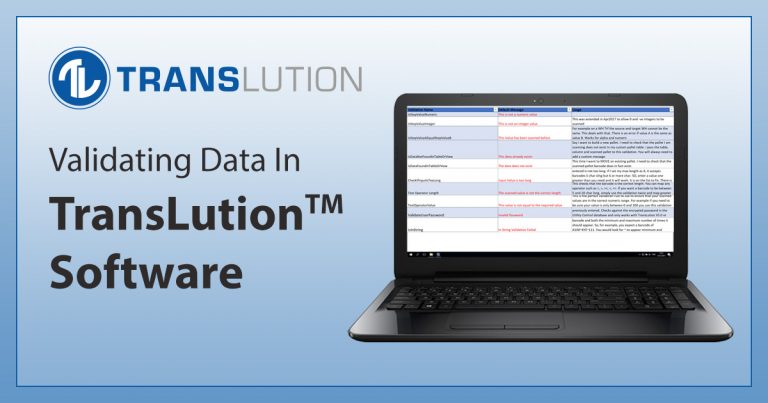
Validating Data in TransLution™ Software

TransLution™ is delivered with a large library of standard SYSPRO validations to validate item codes, Purchase Orders, Sales Orders, and host of other data in SYSPRO. It is very important...

1 min read

Read This

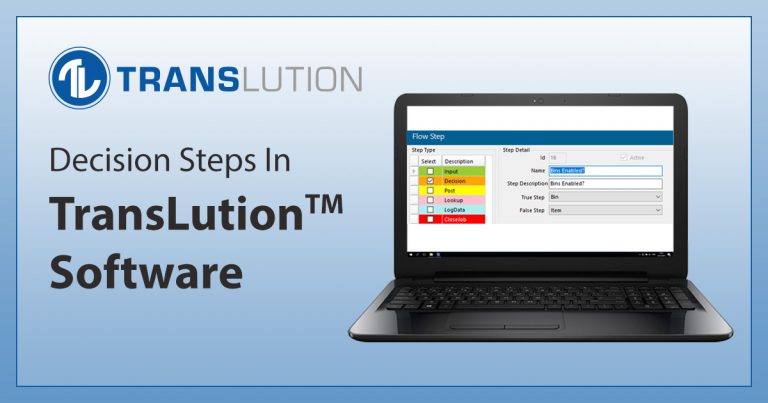
Decision Steps in TransLution™ Software

TransLution™ supports the concept of a decision step - a way to manage the process flow that the end-user sees. For example, if the user scans an item barcode for...

1 min read

Read This

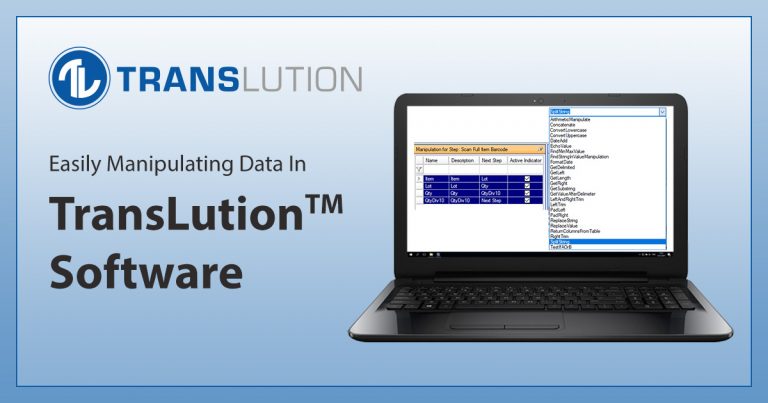
Manipulating Data in TransLution™ Software

There are many times when the barcode you scan does not represent exactly the data that is required by your system. It may be that you are scanning a retail...

1 min read

Read This

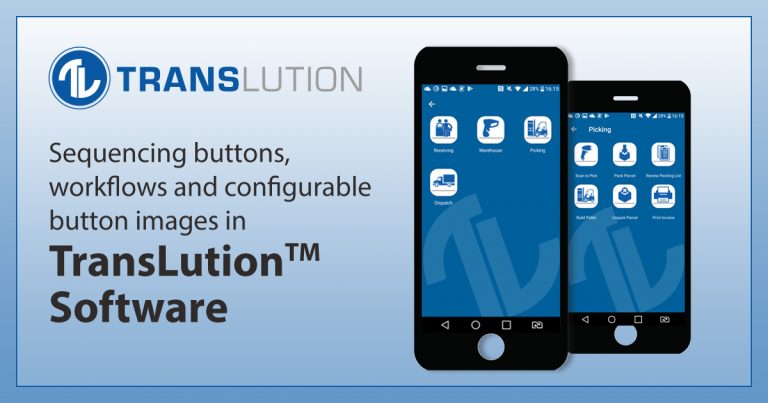
Sequencing buttons, workflows and configurable button images in TransLution™ Software

All TransLution™ Software clients show functions for user selection in the form of buttons. On EazyTouch and with the release of V5.8 in Android, the buttons contain configurable images and...

1 min read

Read This

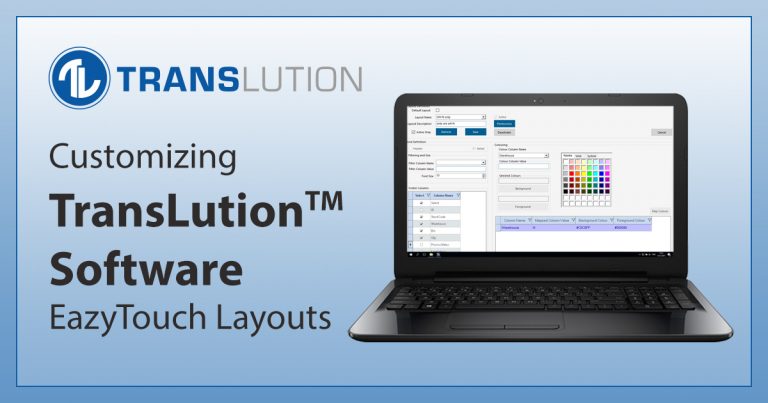
Customizing TransLution™ Software EazyTouch Layouts

On EazyTouch, starting with TransLution version 5.7, you have significant control over how grids are presented. You can select font size, which columns each user or user group sees, how...

2 min read

Read This

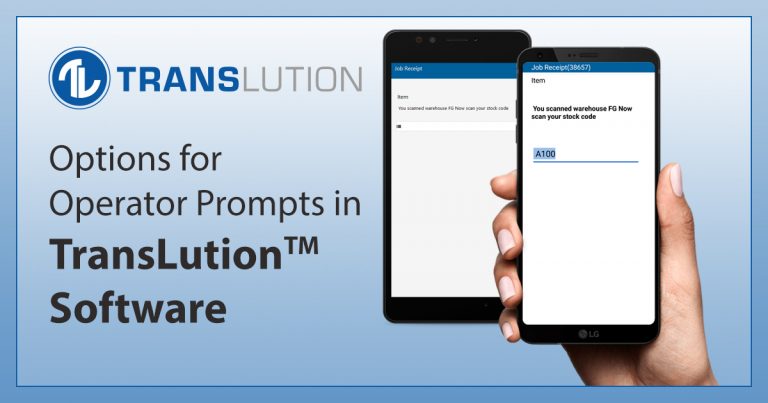
Additional Messages to Assist Operators in TransLution™ Software

There are times when you want to guide operators in terms of what data to enter. This guidance may take the form of a message telling them exactly what to...

1 min read

Read This

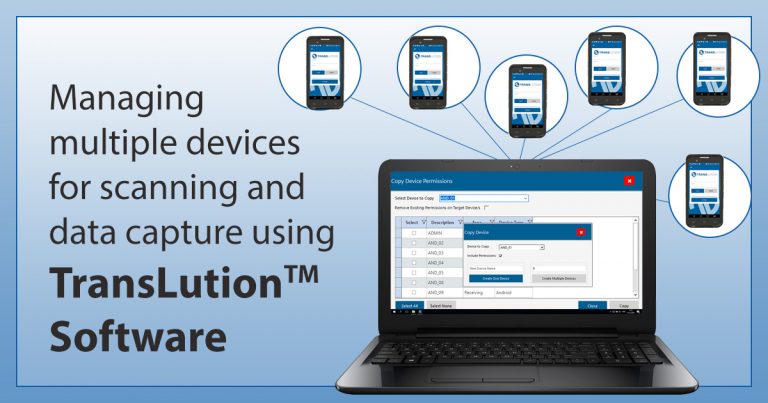
Managing Setup & Configuration of Multiple Scanners and Devices

In this post we are looking at some of the ways that TransLution™ can assist with managing a large number of devices for scanning and data capture. First, TransLution™ is...

1 min read

Read This

Using TransLution Media Steps While Doing Deliveries

Media Steps on Android allow you to build a function that can capture either a photograph or a signature and store the result in the TransLution™ database. It is possible...

1 min read

Read This